
A WordPress artist website is often the first real impression an art director gets of you. Brilliant work on a slow, confusing site still loses clients, because the site itself signals how you work. If pages take ages to load, images jump around and the contact page is hard to find, a busy client may wonder if your deadlines will be just as messy. These six features fix the most common problems.

1. Fast loading
Large, uncompressed images are the main cause of slow portfolios. Before uploading:
- resize images to the largest size they’ll actually display (often 1600 to 2000 pixels wide)
- export as WebP or compressed JPEG
- use lazy loading for images further down the page (WordPress does this by default)
Google measures speed with Core Web Vitals. For animated work, see SVG Animation SEO.
2. A mobile-friendly layout
Google indexes the mobile version of your site first, and many clients browse on phones. Choose a responsive theme, check every page on a phone, and make sure text is readable without zooming and buttons are easy to tap.
3. Descriptive alt text
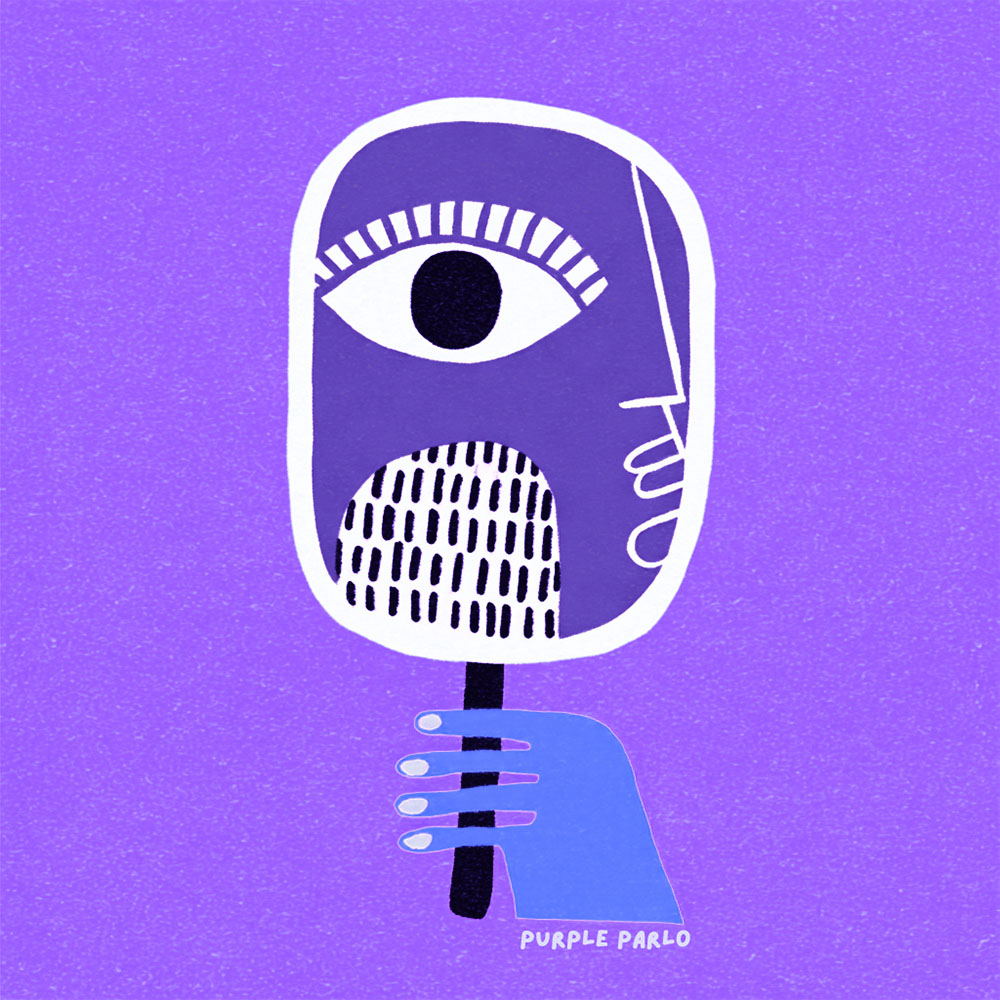
Alt text describes an image for screen reader users and search engines. Write what the image shows, briefly and specifically, like “purple illustration of a figure standing alone on a shore” rather than “art1”. It improves accessibility and helps your work appear in image search. The W3C images tutorial has clear examples.
4. Schema markup
Structured data tells search engines who you are and what your pages contain. An SEO plugin such as Yoast adds the basics. I explain the useful types in Schema Markup for Artists.
5. Clear structure and internal links
- A simple menu: Portfolio, Services, About, Blog, Contact.
- Headings (H2, H3) that break pages into scannable sections.
- Links between related blog posts and to your portfolio and services.
Good structure helps visitors find what they need and helps search engines understand which pages matter most.
6. Easy contact paths
Every page should make it easy to get in touch. Add a contact link in the menu and at the end of posts, keep your form short (name, email, project details), and say how quickly you usually reply. Place a testimonial near the form if you have one; see Testimonials for Artists.
Keep plugins lean
Every plugin adds code. Remove ones you don’t use, avoid several plugins that do the same job, and keep everything updated for security. A lean site is faster and breaks less often.
Check your site regularly
Every few months, test your homepage and portfolio in PageSpeed Insights, click through every menu link, and open your contact form on a phone. These checks take 20 minutes and catch problems before clients do.
Frequently asked questions
Is WordPress good for artist portfolios?
Yes. It’s flexible, widely supported and good for blogs and SEO. Pick a fast theme and keep plugins to a minimum.
Which feature matters most?
Speed and mobile layout. If the site is slow or broken on a phone, visitors leave before seeing your work.
Do I need a developer?
Not for the basics. Most of these features come from good settings, a solid theme and careful image preparation.
See these ideas in action in my portfolio, or contact me.
Wish You a Purple Day!